Description
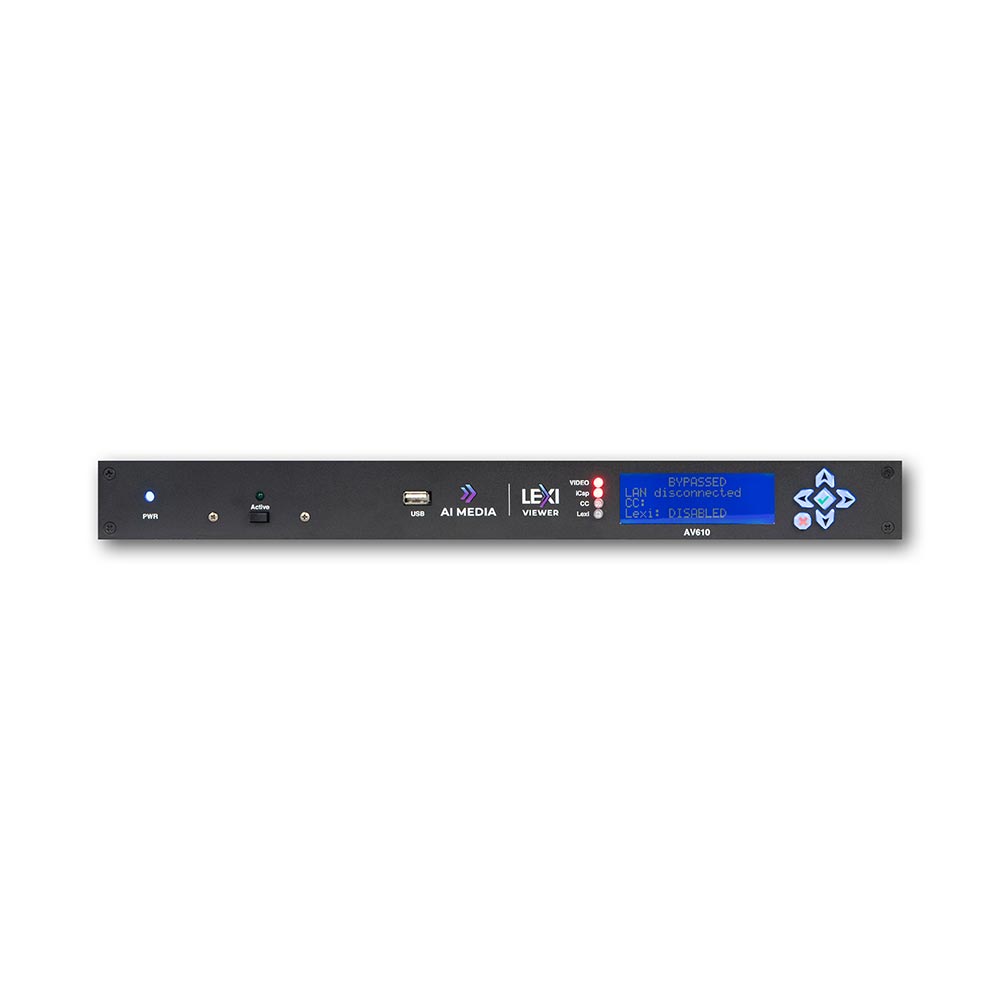
Revolutionise live events with a cutting-edge captioning solution. LEXI Viewer (SKU: AV610) provides high-resolution output and easy-to-read one-click captions, while keeping your screen clear for other event visuals or presentations.
Benefits
- Perfect for:
Live, in-person events such as town halls, conferences, stadium displays, and concert venues. - Click to caption:
Transform any video stream into an inclusive experience by providing live captions at the click of a button. - Seamless integration:
Pair with LEXI automatic captions for an all-in-one, seamlessly integrated event display solution. - Enhance engagement:
Broadcast video streams with live captions in four display modes, making it easier to follow along, understand key messages, and stay connected throughout the experience. - Customizable display:
Personalize the viewing experience by adjusting font size, color, and positioning of the captions,
ensuring optimal readability and comfort for everyone.
Features
- Connectivity to Lexi, EEG’s cloud-hosted automatic captioning service.
- Connectivity to iCap, EEG’s global network of caption service providers.
- Video Output Scaling feature: Scales video down by 15% and allows placement of captions above or below the presentation area.
- Local logging of caption input for future reference.
- Relay-bypassed master video path for reliable video delivery.
Screen modes
Full screen mode
Ensure captions are fully accessible and legible to a large audience by decoding them on a full screen. Choose between different line spacing and text size options.
Background image mode
Overlay four rows of captions over a custom background image. Caption appearance is fully configurable, including font, text size, text positioning, and color.
Scaler mode
Keep presentation content fully visible by scaling the input video down by 20% and displaying two rows of captions above or below the video. Text alignment, font, and color can be customized.
Caption decoder mode
Display captions over the input video to mimic the behavior of a consumer caption decoder, while customizing font and text color.